Get unlimited membership levels and members with every WishList Member site. No upsells or advertising. When you sign up, you get everything we have to offer.
Easy Payment Setup
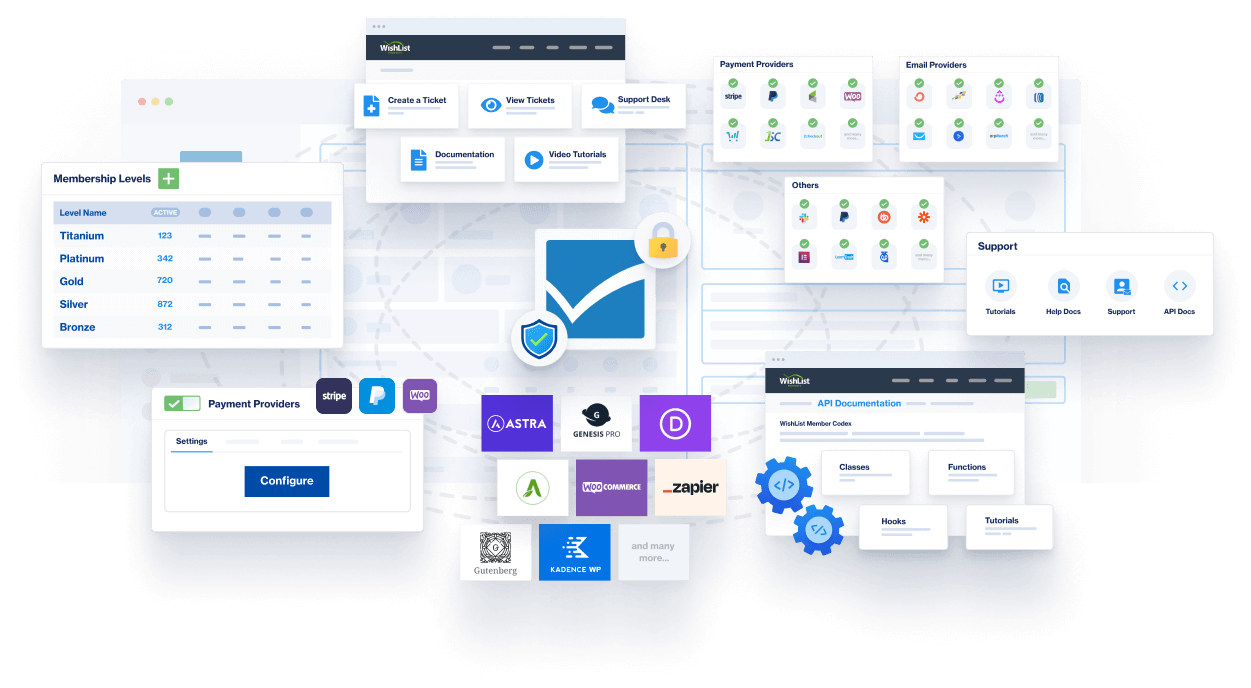
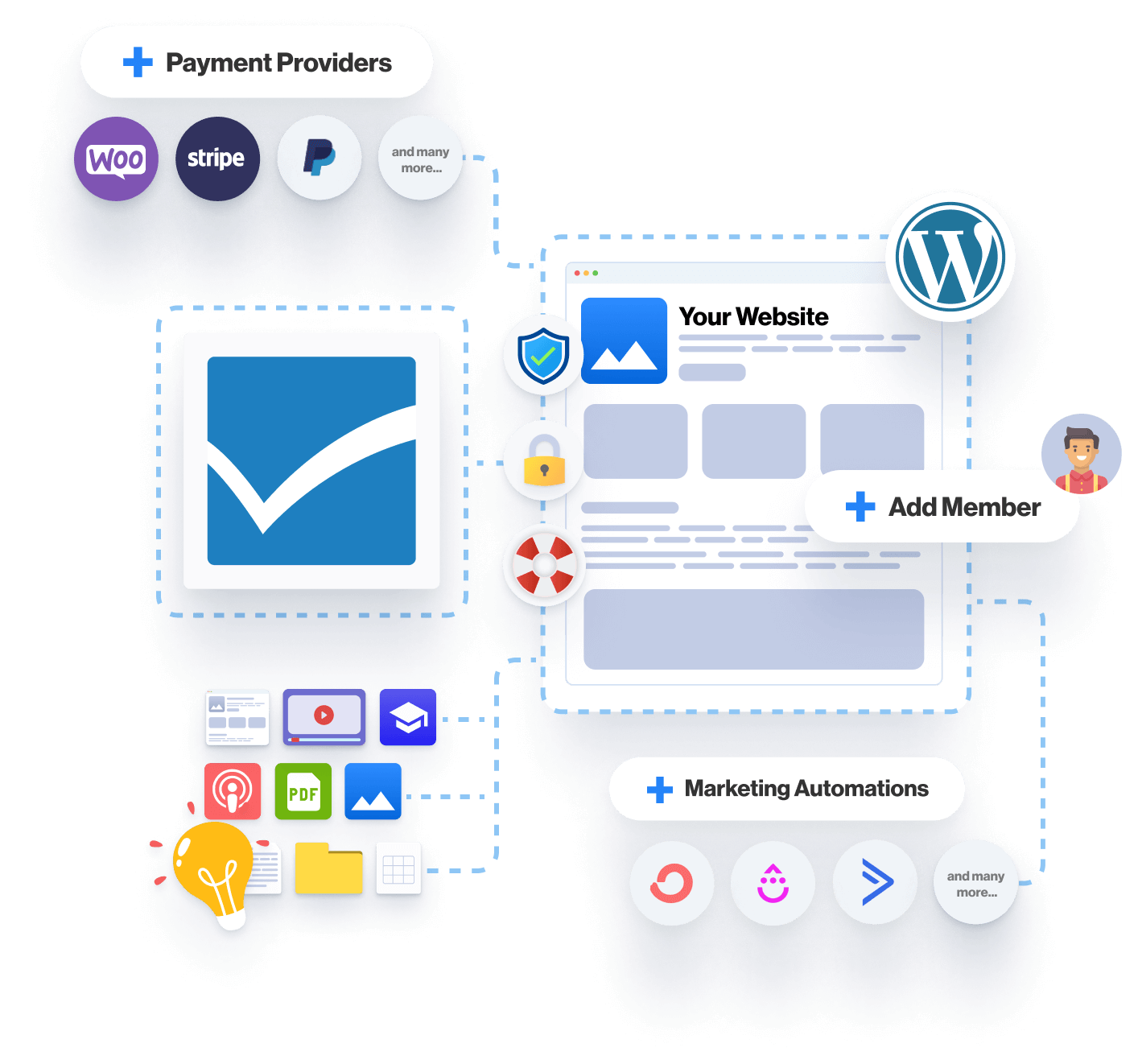
Collect payments your way: Integrate with your preferred processor in less than 5 minutes. Offer free trials, recurring and one-time payments, and customize buy buttons
Unmatched Flexibility
Connect with virtually any WordPress theme to design your site however you like. Offer unlimited membership levels, free and paid permissions—configure it exactly how you want it.
Dedicated Support
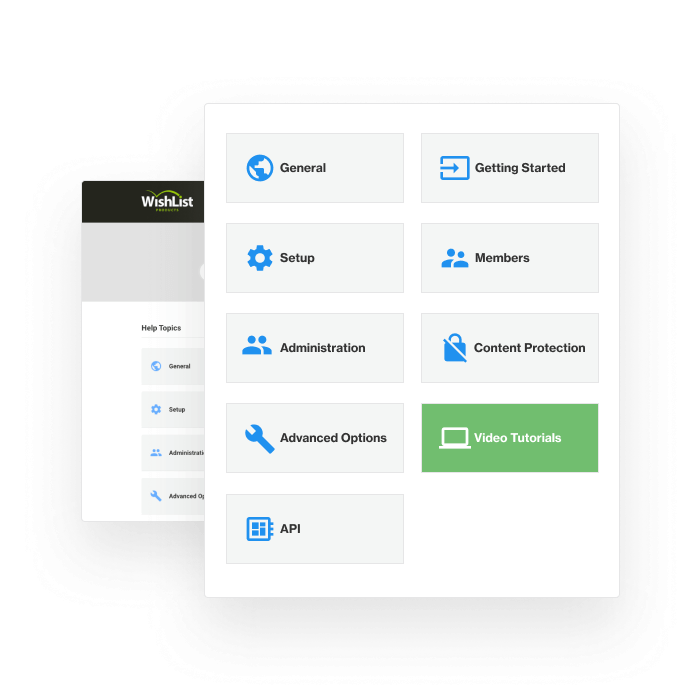
WishList Member has a robust FAQ, knowledgebase, and video tutorials. Plus, there’s a dedicated support team committed to making sure your membership community thrives.
Your Favorite Integrations
Take your membership to a new level with popular integrations like Zapier, WooCommerce, dozens of email service providers, and much more.
Full-Rest API
Access a full REST API and WordPress style template tags if you want to custom code a membership site to automate your entire membership workflow top to bottom.
Seamless Course Creation
Unlock the revenue-boosting power of online courses with CourseCure. Craft compelling courses, quizzes, and more in a matter of clicks. Include in both our plans.
Member Management & Stats
Create custom login pages, see your membership stats at a glance, and manage your site from an easy-to-use dashboard right in WordPress.
BEGINNER FRIENDLY
Set Up Your Site QUICKLY & EASILY! Simple Getting Started Wizard & Videos
Getting started wizard
When you activate WishList Member, you’ll get step-by-step onboarding that makes setup a total breeze.
One-click content protection
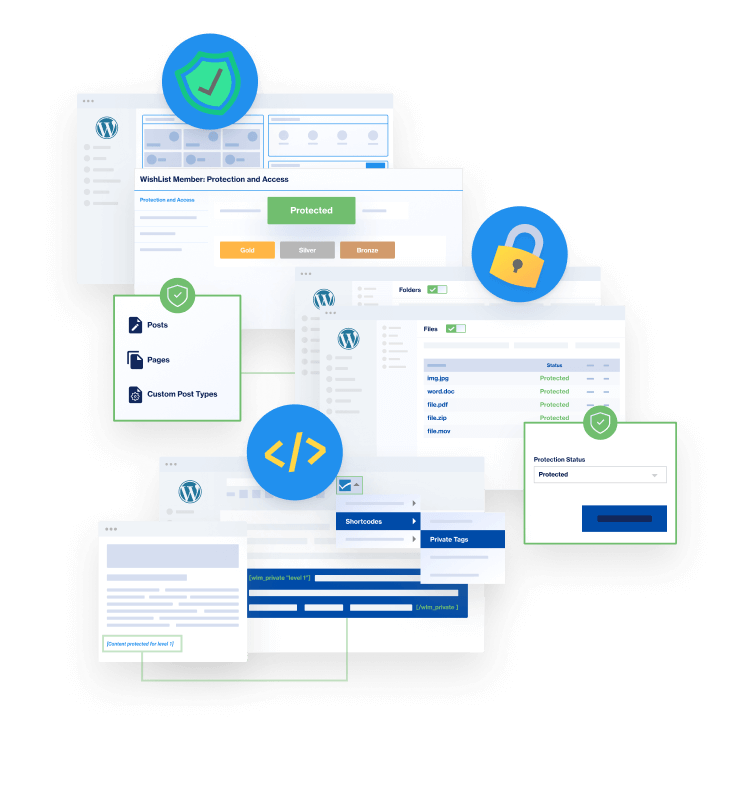
Create pages or posts in WordPress, click “Protect” right in the editor, select which membership levels get access, and you’re all set.
Build it your way
Enable features as you need them. Starting out, most advanced features are turned off to give you a simple yet scalable setup.
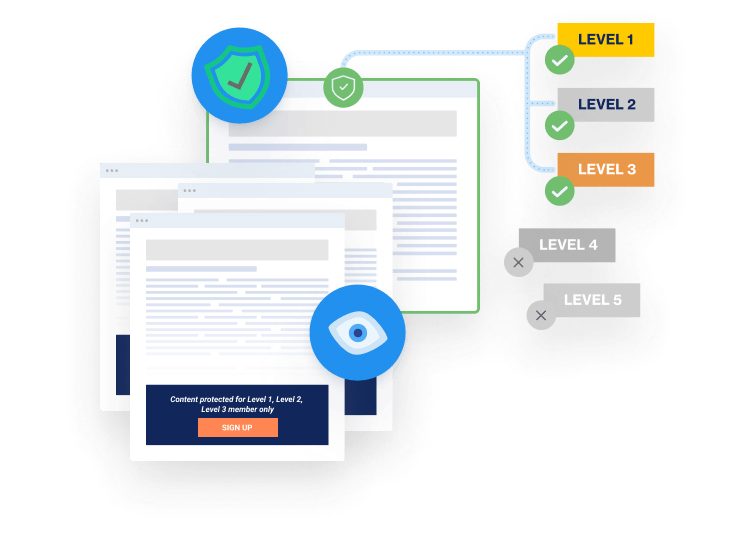
Give readers a premium all-access pass or build membership levels for tiered viewing privileges. You choose the pages, posts, and files each member can access. Convert new members with partial access pages.
Protect Posts, Pages and Custom Post Types
With WishList Member you can easily protect your WordPress posts and pages with the click of a button. Our plugins all feature full support for Custom Post Types created manually or through another plugin.
File and Folder Protection
With WishList Member you can easily protect your WordPress posts and pages with the click of a button. Our plugins all feature full support for Custom Post Types created manually or through another plugin.
Private Tags
WishList Member can also protect sections of content WITHIN a page or post. Simply wrap the section in our easy-to-use private tags and that content will only be visible to members of the specified membership level.
DRIP, SCHEDULE, ARCHIVE, PAY PER POST
Total Content Control
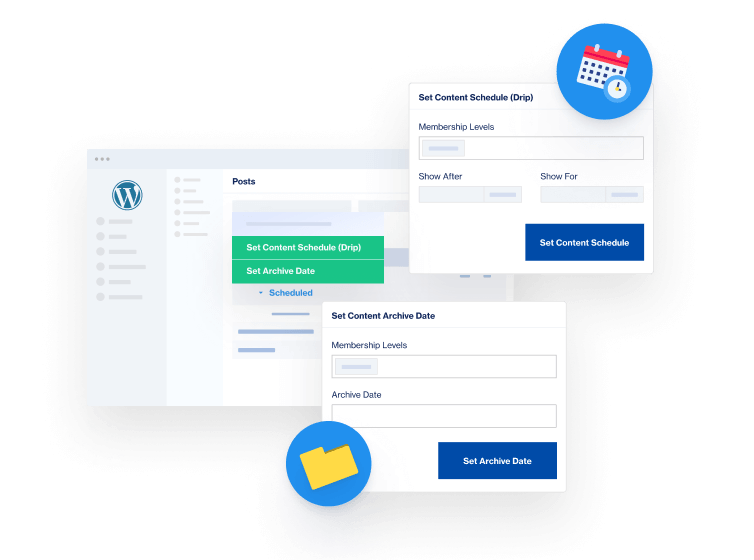
With WishList Member, you can drip your best articles to new members, schedule post access by date, and set up pay per post. Archive limited-time content by date or after a set number of days.
Drip and Schedule
Automate content distribution to your community. Drip your favorite content to new members, schedule posts to go live on an exact date.
Archive Content
Encourage members to maintain their subscriptions by periodically archiving content, so only people who were members before the archive date have access.
Protect Your Valuable Content
Establish different membership levels to offer free, premium, or pay per post content. Your gated content is protected by leading online security.
“Sneak peak” + partial display
If a non-member stumbles upon gated content, you can create “sneak peak” snippets to give them a taste of what they’re missing—and invite them to sign up.
ENGAGE MEMBERS WITH COURSES, QUIZZES, AND MORE
Create Courses Quick & Easy
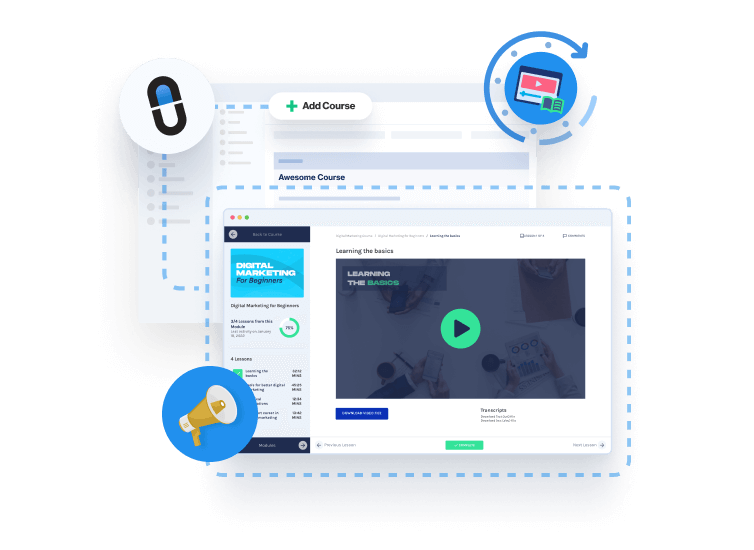
Boost Engagement and sign-ups with captivating online courses, interactive quizzes and more. Get your course up and ready in a few simple steps with CourseCure.
Create Your Course in Minutes
Get your course up and running in a matter of clicks. No lengthy setup wizards, no confusing options. Just lightning-fast course building.
Maximize Course Value
Use data insights to craft rewarding experiences students will recommend and revisit. With easy-to-export quiz results, spot learning gaps and refine your course for quality and appeal.
Amp Up Engagement
Fuel engagement, drive knowledge retention, and rocket your learners to course completion. Add quizzes, interactive content, and gamification elements with ease.
Mold Your Vision Into Reality
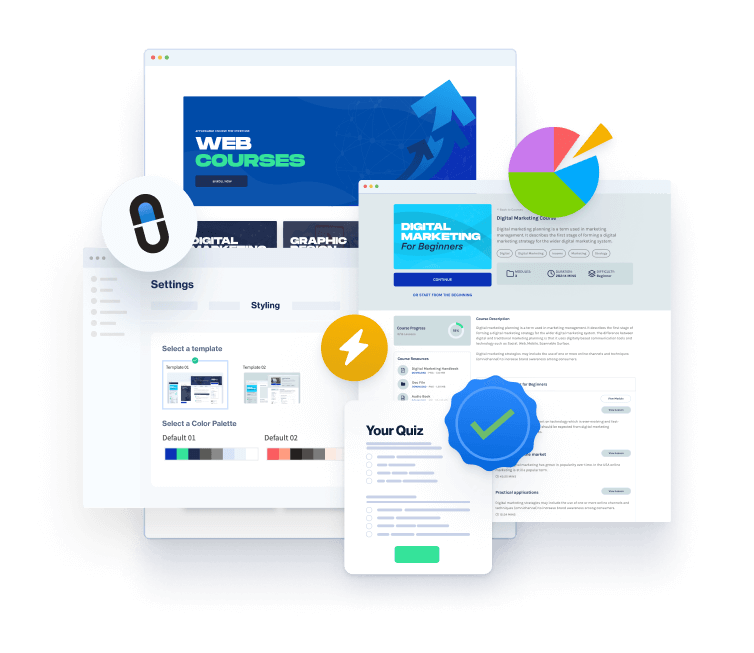
Create your course, your way with fully customizable templates. From a simple set of quizzes, to an extensive program, make it happen with CourseCure. Any learning style, any goal.
INTEGRATIONS
Integrate Your Entire Membership Workflow
Work with the same tools you're using today alongside WishList Member
Are you ready to launch your membership site, online course or community? With WishList Member, you can be up and running in just a few minutes from now — all with fast and friendly support to assist!
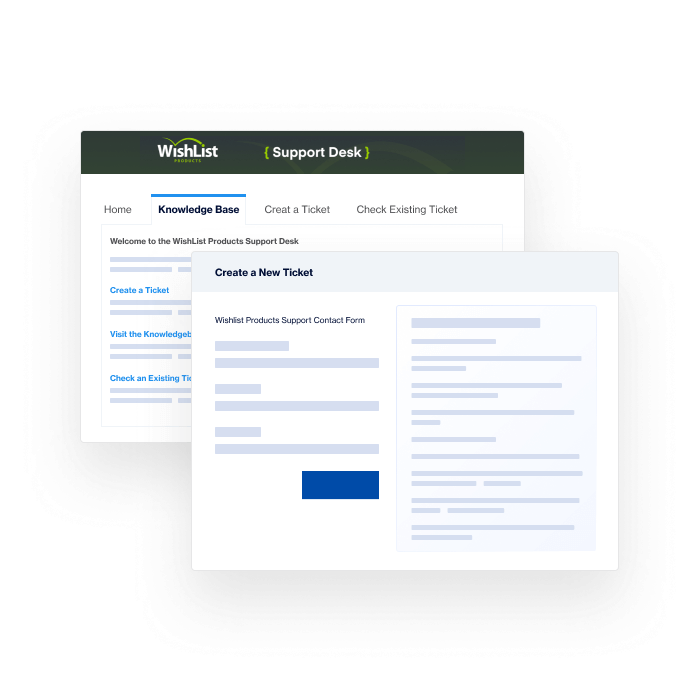
Our Support Desk is here for you every step of the way alongside our FAQs, knowledge base, and video tutorials.
Video Tutorials & In-Depth Guides
Access our WordPress Basics Course, 30+ how-to videos, and 100+ pages of support guides to help you build your site.
Come Sit at Our Table
Join the Official WishList Member Facebook group to ask questions and connect with other online entrepreneurs & creators.
GDPR
We protect your data—and give you the tools you need to keep your member data safe too.
It's Time to Get Started!
Are you ready to launch your membership site, online course or community? With WishList Member, you can be up and running in just a few minutes from now – with friendly support ready to assist you!